Android TV vs Google TV: Key Differences Explained
Android TV vs Google TV — what's the real difference? Compare features, app compatibility, and find out which smart TV platform is best for you in 2026.
By NotifyTV TeamPublished Updated 7 min read
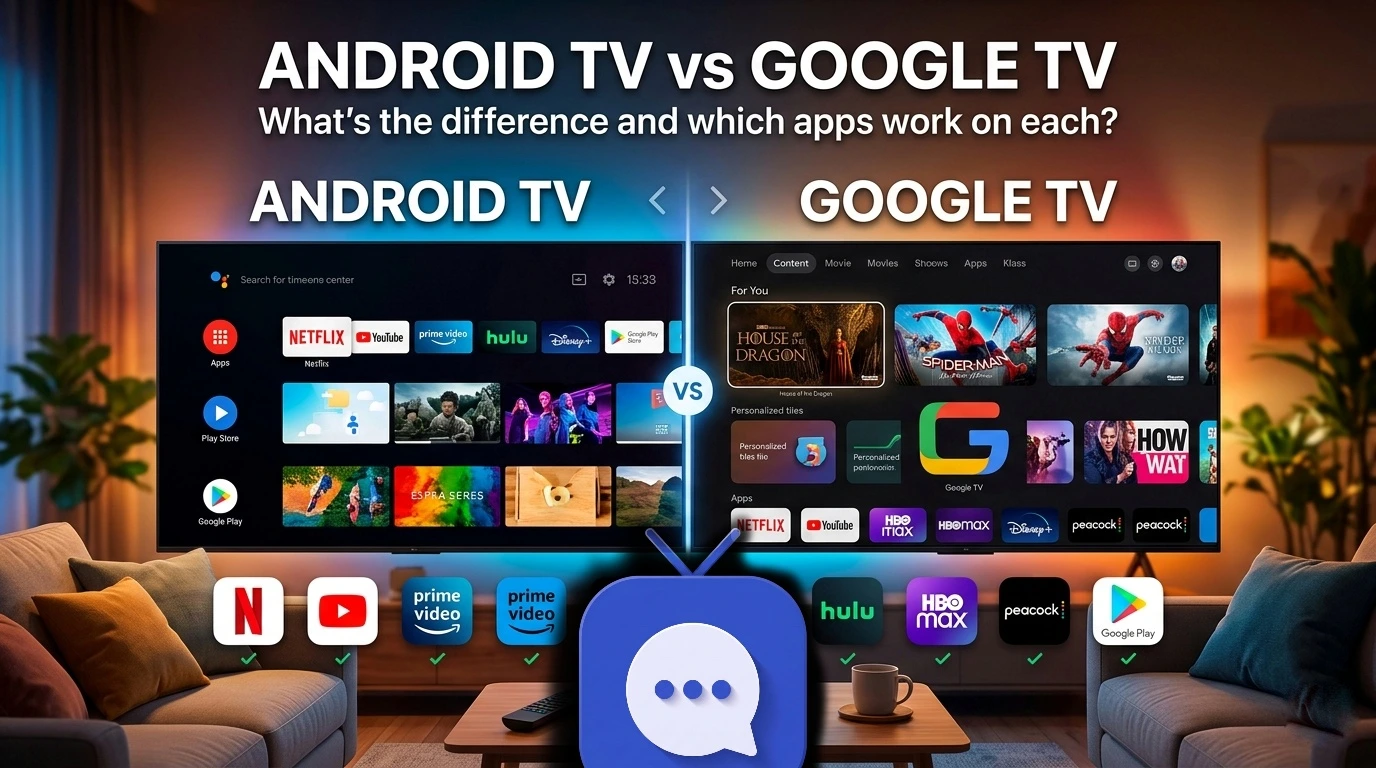
If you've ever shopped for a smart TV or streaming device and found yourself confused by Android TV and Google TV, you're in good company. Both names show up on similar devices, both run apps from the Google Play Store, and both come from Google. The difference between Android TV and Google TV matters more than most buyers realise — it affects your home screen layout, which apps you can install, and how well your phone connects to your TV.
In this guide, we compare Android TV vs Google TV side by side so you can make a confident decision. We'll also highlight the best apps that work on each platform, including tools that bridge your phone and your big screen.
Table of contents
- What is Android TV?
- What is Google TV?
- Android TV vs Google TV: the key differences
- Which apps work on Android TV?
- Which apps work on Google TV?
- Do Android TV apps work on Google TV?
- Best apps to install on your smart TV
- Frequently asked questions
- Conclusion: Which one should you choose?
What is Android TV?
Android TV is Google's smart television operating system, first released in 2014. It's built on the same Android foundation as your smartphone, which means it can run apps published in the Google Play Store for Android TV — versions optimised for a big screen and a remote control.
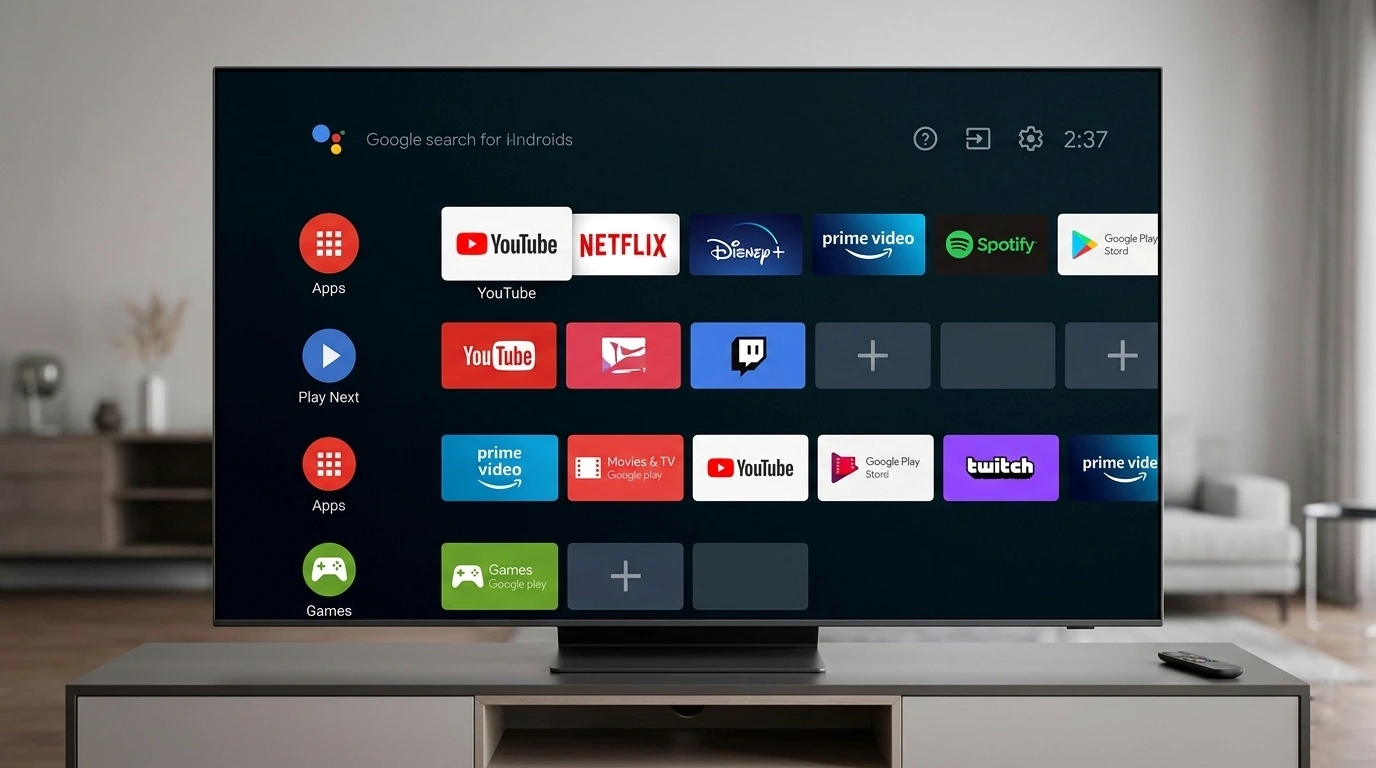
You'll find Android TV built into televisions from Sony, Philips, Sharp, and TCL, as well as streaming boxes like the NVIDIA SHIELD. The interface is clean and grid-based, with rows of recommended content and installed apps across the home screen.
Android TV was designed primarily as a platform for device manufacturers — a ready-made operating system they could licence and build their televisions around. According to Google's official Android TV Help Center, the platform continues to receive app and security updates and remains fully supported.
Good to know: Android TV is still in active use on millions of devices worldwide. If your TV was purchased before 2021, there's a good chance it's running Android TV rather than Google TV.
What is Google TV?
Google TV is the newer, evolved version of Android TV — launched in 2020 alongside the Chromecast with Google TV. Think of it as Android TV with a far smarter home screen layered on top.
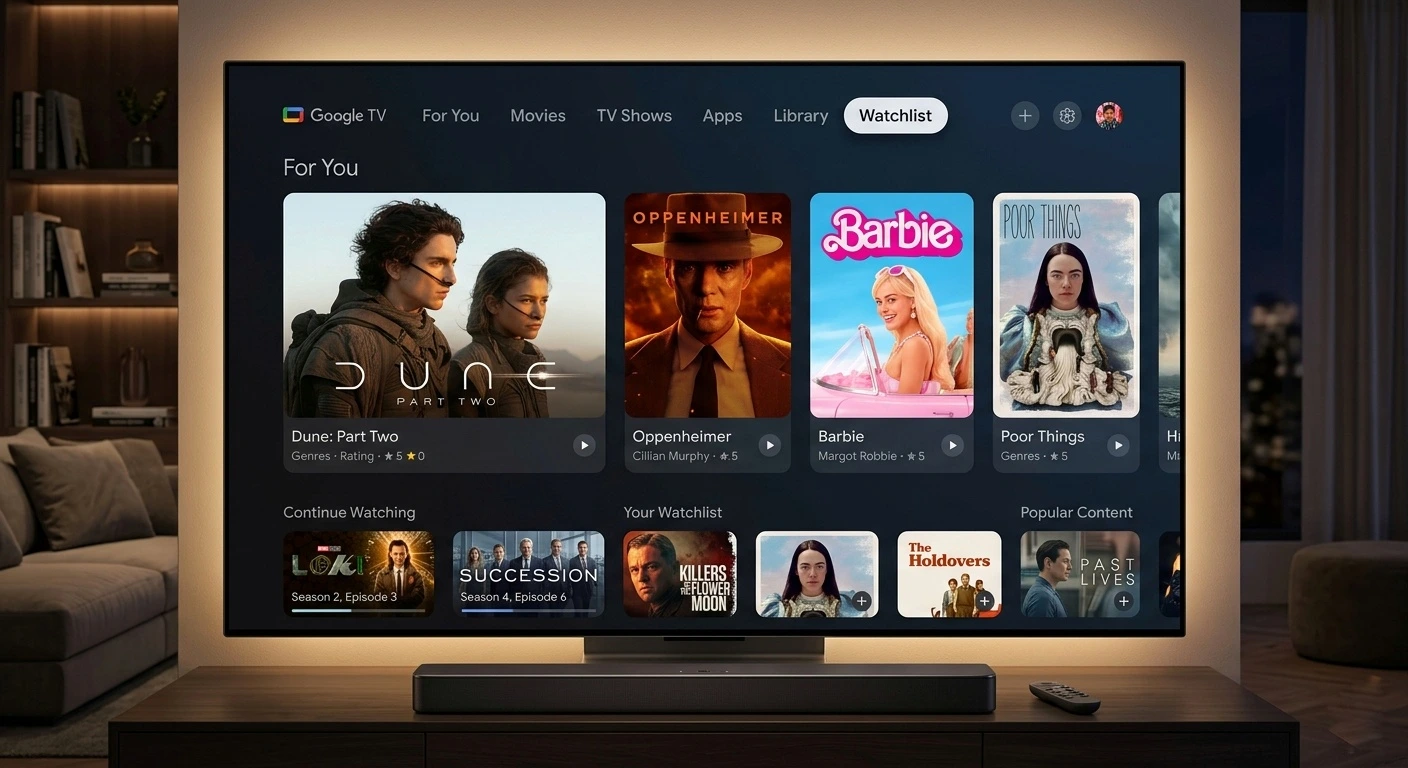
As Google explains on their official Google TV page, the platform aggregates content recommendations from all your streaming services — Netflix, Disney+, YouTube, Prime Video, and more — into a single personalised feed. It also integrates Google Assistant and Gemini AI more deeply, and supports Google's Watchlist feature so you can save shows to watch later from any device.
Google TV runs on the Chromecast with Google TV, the Google TV Streamer, and a growing number of new smart TVs from Sony, TCL, and Hisense.
According to Android Police, Google has been pushing AI to the forefront of Google TV since the Google TV Streamer's launch in late 2024, with Gemini-powered features including enhanced content overviews and AI screensavers now rolling out across supported devices.
Android TV vs Google TV: the key differences
Here's how the two platforms compare side by side:
| Feature | Android TV | Google TV |
|---|---|---|
| Launched | 2014 | 2020 |
| Home screen | App grid + content rows | Unified personalised content feed |
| Google Assistant | Yes — basic integration | Yes — deeply integrated |
| Gemini AI | No | Yes — on supported devices (2024+) |
| Watchlist | No | Yes — save shows across services |
| Google Play Store | Yes | Yes |
| Recommendations | Limited | Advanced — learns your preferences |
| Chromecast | Yes (Built-in) | Yes (Built-in) |
| Common devices | NVIDIA SHIELD, Sharp, Philips | Google TV Streamer, newer Sony/TCL |
The short version: Google TV is built on top of Android TV. Every Google TV device runs Android TV apps — but not every Android TV device can run Google TV's interface or features. You can read Google's own explanation on the Android Developers documentation for Google TV.
Which apps work on Android TV?
Android TV supports any app published in the Google Play Store's Android TV category. This is a large and growing library that includes:
- Streaming: Netflix, Disney+, Amazon Prime Video, YouTube, Apple TV, HBO Max, Peacock
- Live TV: Sling TV, FuboTV, Philo, YouTube TV
- Music: Spotify, YouTube Music, Tidal
- Gaming: Play Store games and cloud gaming services like Xbox Game Pass
- Productivity: Browsers, VPNs, and screen mirroring tools
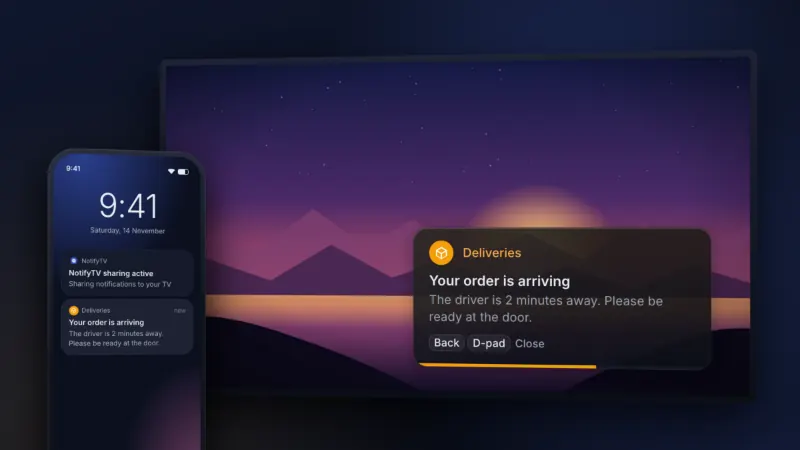
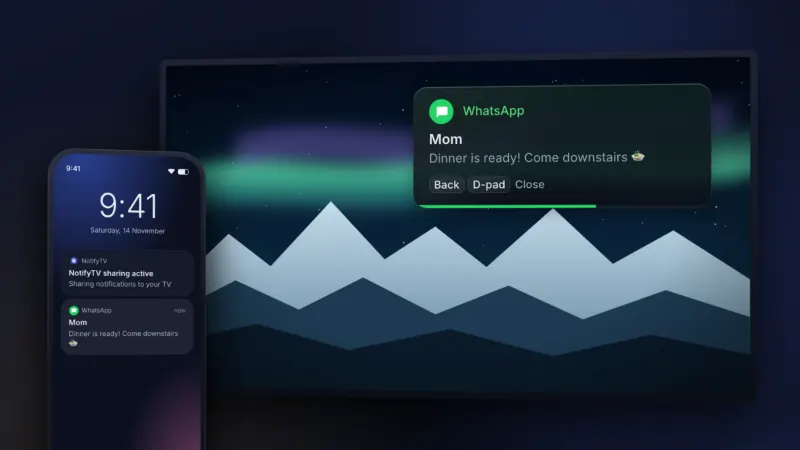
- Phone connectivity: Tools like NotifyTV that let you see phone notifications directly on your TV screen in real time
For a deeper look at specific recommendations, see our full roundup of the best TV apps for 2026.
Which apps work on Google TV?
Google TV supports the full Android TV app library — plus apps specifically optimised for Google TV's interface and content discovery features.
Google TV also supports:
- Apps that integrate with the Watchlist and "For You" recommendations engine
- Google TV-specific tabs including "Movies & TV" and "Live" channels
- Newer apps that target Google TV first — including smart home integrations and Gemini AI tools
- Companion phone connectivity apps — including NotifyTV for Google TV which overlays your phone notifications on screen while you watch
Do Android TV apps work on Google TV?
Yes — this is one of the most common points of confusion. Because Google TV is built on top of Android TV OS, it runs all Android TV apps natively. If an app is available for Android TV, it will work on Google TV too.
The reverse isn't always true: a handful of apps built specifically for Google TV's newer interface may not appear or function correctly on older Android TV devices. The Google TV Help Center has guidance on which features are available on which devices.
Stop missing important notifications while you watch
NotifyTV — works on both Android TV and Google TV
NotifyTV shows your phone notifications on your TV screen as clean, customisable popup overlays. See messages, calls, delivery alerts, and more — in real time, without picking up your phone.
- Privacy First: Hide one-time codes, or show just who a message is from.
- Multi-Phone Support: Covers the whole household.
- Low-key: Small popups that get out of the way after a few seconds.
Best apps to install on your smart TV
1. For staying connected: NotifyTV
NotifyTV is one of those apps that changes how you use your TV. It shows your phone notifications on the screen as unobtrusive popup cards. You choose which apps can interrupt your viewing — messages, calls, delivery updates — and it runs silently in the background. With privacy controls that hide message text and one-time codes, it's genuinely family-friendly. Learn more about how NotifyTV was built and why it's different.
2. For local media: Plex & Kodi
Plex, Kodi, and Jellyfin are excellent for users with local media libraries. They organize your movies and shows into a beautiful, Netflix-style interface on your big screen.
3. For browsing: TV Bro & Puffin TV
Most smart TVs don't ship with a built-in browser. Puffin TV Browser supports desktop-style navigation via remote, while TV Bro is a fantastic free, open-source alternative.
4. For privacy: ExpressVPN & NordVPN
ExpressVPN, NordVPN, and Surfshark all have dedicated TV versions that protect your network traffic and allow access to geo-restricted content.
Frequently asked questions
Is Google TV better than Android TV?
For most users, yes. Google TV offers a smarter home screen, better personalised recommendations, and a cross-service Watchlist. Android TV is still fully supported but lacks the modern content discovery features. Check our best TV apps guide for platform-specific app recommendations.
Can I upgrade my Android TV to Google TV?
Not directly via a software update. However, you can add Google TV to any television by plugging a Google TV Streamer or Chromecast with Google TV into an HDMI port.
Does Android TV have a browser?
Not built-in, but you can install one from the Play Store. Puffin TV Browser and TV Bro are popular options.
Can I get phone notifications on my TV?
Yes. NotifyTV shows your phone's notifications on your TV screen as overlay popups in real time on both Android TV (8.0 or newer) and Google TV. Read our full step-by-step setup guide to get started in a few minutes.
What is the difference between Chromecast and Google TV?
Chromecast is Google's casting hardware that lets you stream content from your phone to your TV. Google TV is the software interface — the smart home screen with recommendations and apps. The Chromecast with Google TV combines both: a casting dongle running the full Google TV operating system.
Conclusion: Which one should you choose?
If you're buying a new device in 2026, Google TV is the clear winner for its modern interface and AI-powered recommendations. However, if you already own an Android TV device like the NVIDIA SHIELD, you aren't missing out on app compatibility — you still have access to the same great library of tools like NotifyTV.
To explore the full ecosystem, check out the top streaming and utility apps for each platform.
Ready to stay connected on your TV? Download NotifyTV free and see your phone notifications on your Google TV or Android TV (8.0 or newer).
Now that your setup is ready, you can sit back and stream the latest blockbusters like Zootopia 2 on Disney+.
Related tags
android tv · google tv · android vs google tv · google tv apps · smart tv apps · google tv streamer · chromecast google tv · notifytv · phone notifications on tv · android tv apps 2026
Published by the NotifyTV team — the free Android utility that shows your phone notifications on your Android TV or Google TV screen in real time. Learn more about NotifyTV →