Introducing NotifyTV: Phone Notifications on Your Android TV
Meet NotifyTV — the free Android app that shows your phone notifications on your TV in real time. Privacy-first, family-ready, and built for the living room.
By NotifyTV TeamPublished Updated 6 min read
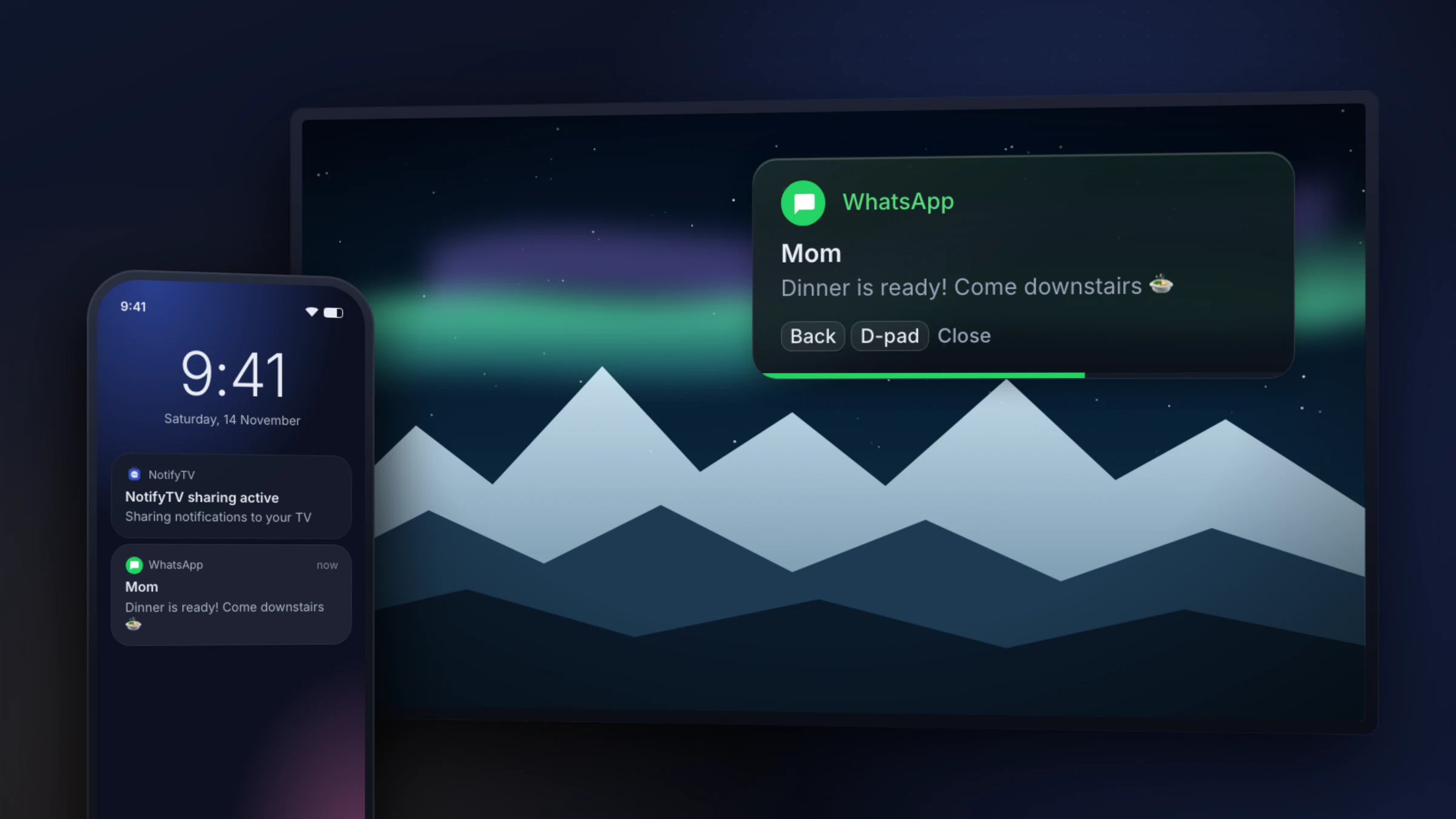
Every TV viewer knows the feeling. You're deep into a great movie, the plot is building to its climax — and your phone starts buzzing on the other side of the room. Was it an important call? A delivery update? An urgent work message? You won't know without pausing, getting up, and breaking the moment entirely.
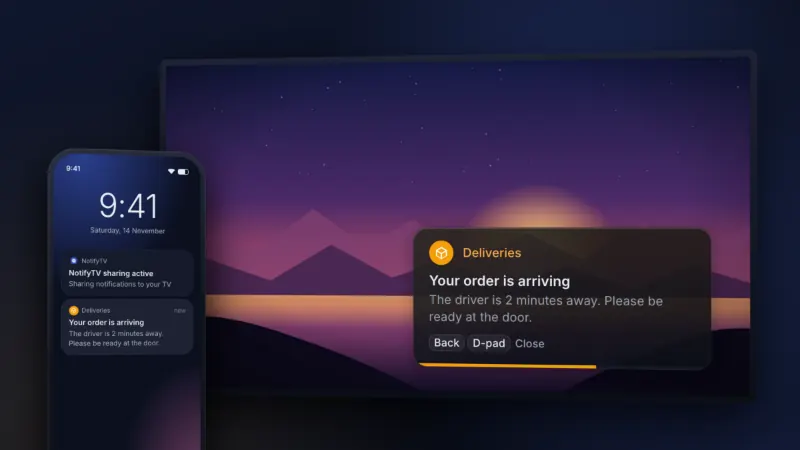
NotifyTV was built to solve this exact problem. It's a free Android app that shows your phone notifications on your TV screen as clean, non-intrusive popup overlays. Less phone-checking, fewer missed alerts: just your important notifications, right where you're already looking.
Table of Contents
- The Problem We Solve
- What Makes NotifyTV Different
- Core Features
- Who Is NotifyTV For?
- Getting Started
- Privacy You Can Trust
- What's Next
- Frequently Asked Questions
The Problem We Solve
How many times have you been watching a movie and missed an important call? Or waited for a delivery OTP while your phone was charging in another room? Or just wanted to see your messages without unlocking your phone every few minutes?
Phone notifications often arrive at exactly the wrong moment — when you're settled into the couch with your family. Traditional solutions like screen mirroring are clunky and share your entire screen. What you actually need is a lightweight, targeted notification layer.
That's exactly why we built NotifyTV.
What Makes NotifyTV Different
NotifyTV isn't just another notification mirror. It's a thoughtful notification layer designed specifically for the TV viewing experience. Here's what sets it apart from generic screen-sharing tools:
- Selective Forwarding: Choose exactly which apps can send notifications to your TV. No more notification chaos — only the alerts you care about reach the big screen.
- Privacy-First Design: Show only sender names, block OTP codes, and control what appears on the shared screen with privacy modes built right in.
- Family-Ready: Connect multiple phones to one TV. Manage each device independently. Perfect for shared households where everyone wants to stay informed.
- TV-First Interface: Everything from popup placement to remote-friendly dismissal is designed for the living room, not the palm of your hand.
Unlike generic mirror apps, NotifyTV doesn't require your phone screen to stay on, doesn't broadcast your entire display, and is light on battery. For a detailed comparison of what NotifyTV can do versus standard mirroring tools, read our complete feature guide.
Core Features
Real-Time Notification Overlay
The moment an alert arrives on your phone, NotifyTV displays it on your TV screen as a clean popup card. It works with most apps that show standard notifications — WhatsApp, Telegram, SMS, email, delivery trackers, banking alerts, and more.
OTP and Sensitive Content Blocking
TVs are shared screens. NotifyTV's built-in privacy filter detects messages that look like one-time passwords or verification codes and replaces them with “OTP Received (Hidden)” before they leave your phone.
Find Your Phone from Your TV
Lost your phone between the couch cushions? Choose Ring for it in the TV app’s Manage Devices, and your phone plays a loud alarm for about 20 seconds, even on silent (Do Not Disturb can block it).
Low Battery Alerts
NotifyTV monitors your phone's battery and sends a notification to your TV when it drops to the level you choose (20% by default). No more surprise dead phones when you finally need them.
Customisable Display Modes
- Full message: Shows the full notification on your TV
- Sender-Only Mode: Displays only the sender name — maximum privacy in shared rooms
Works Across Platforms
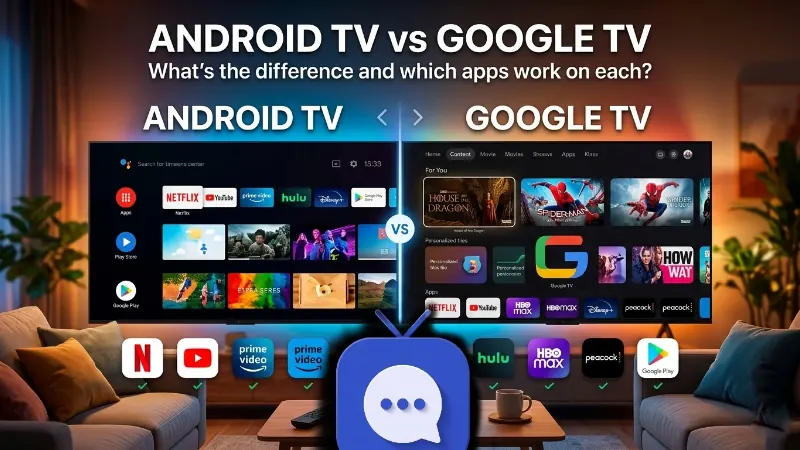
NotifyTV is compatible with Android TV and Google TV TVs and streaming devices that have the Google Play Store. It pairs over your local Wi-Fi network. It doesn’t run on Samsung, LG, Roku, Apple TV or Amazon Fire TV (check your TV).
Who Is NotifyTV For?
NotifyTV is designed for anyone with an Android TV or Google TV and an Android phone:
- 🎬 Movie lovers who want to stay fully immersed without worrying about missed calls
- 🎮 Gamers who need to see messages without pausing or losing progress
- 💼 Remote workers who use their TV as a second display and need work notifications visible
- 👨👩👧👦 Families who want a single TV to serve as a household notification hub
- 📦 Online shoppers waiting for delivery confirmations while watching their favourite shows
Whether you're streaming the best TV apps of 2026 or catching up on the latest blockbusters like Zootopia 2, NotifyTV keeps you connected without interrupting the experience.
Getting Started
Setup takes a few minutes:
- Install on your phone: Download NotifyTV from the Google Play Store (Mobile)
- Install on your TV: Get NotifyTV from the Google Play Store (TV) on your Android TV or Google TV
- Connect to Wi-Fi: Make sure both devices are on the same home network
- Pair your devices: Open NotifyTV on both devices and scan the QR code shown on your TV, or use automatic network discovery
- Choose your apps: Select which apps can forward notifications to your TV
- Done! Notifications start appearing on your TV instantly
That's it. No accounts, no subscriptions, no complicated configuration.
Privacy You Can Trust
We take privacy seriously — especially because TVs are shared screens in family spaces. Here's how NotifyTV protects your data:
- Per-session encryption for all communication between your phone and TV
- No cloud for your notifications — notification content goes from your phone to your TV over your Wi-Fi and is never stored on our servers
- Full user control — you decide exactly what gets displayed, and what stays private
- OTP auto-blocking — sensitive authentication codes are filtered automatically
Your notifications travel directly from your phone to your TV over your local network. Your notifications never pass through our servers.
What's Next
We're just getting started. Our roadmap includes:
- Smart notification grouping — bundle related alerts to reduce clutter
- Widget enhancements — richer notification cards with action buttons
- More customization — themes and more ways to style popups
- Expanded device support — broader compatibility across TV brands
Stay tuned for updates. Follow us on Instagram and Facebook for announcements.
Frequently Asked Questions
Is NotifyTV free?
Yes. NotifyTV is free to download and use, and supported by ads: you’ll see banner ads in the app screens and an occasional ad on the TV. There’s no subscription, and every feature is available to every user.
Does NotifyTV work on Google TV and Fire TV?
It works on Android TV and Google TV devices with the Google Play Store, running Android TV 8.0 or later. It doesn’t work on Amazon Fire TV, which has no Google Play Store.
Do I need to keep the app open on my phone?
No. Once paired, NotifyTV runs quietly in the background with minimal battery usage. You don't need to keep the app visible on your phone screen.
Can multiple phones connect to one TV?
Yes. NotifyTV supports multi-phone connections. Each family member can pair their phone independently and manage their own notification preferences.
Is my data sent to any server?
Your notifications aren’t. They travel directly between your phone and TV over your local Wi-Fi network and never pass through a NotifyTV server. The apps do use Google’s ad and analytics services, which collect device identifiers and usage data, as described in our privacy policy and the Data safety section on Google Play.
Get Started Today
Ready to stop missing important notifications while you watch? Download NotifyTV and set it up in a few minutes.
📱 Download NotifyTV for Android (Phone) | 📺 Download NotifyTV for TV
Learn more at getnotifytv.com
NotifyTV — stay informed, stay present, keep control.